26 looping templates
Screenshots in.Loops out.
No sign-up needed, no watermark.
- Export
- MP4 and WebM
- Ceiling
- 7680 × 4320
- Frame rate
- 24 / 30 / 60
- Your files
- Stay on this device
- 3D & perspective
- 8
- Spiral
- 2
- Isometric
- 2
- Marquee
- 3
- Flat & reveal
- 11
How it works
Three steps, about four minutes
01
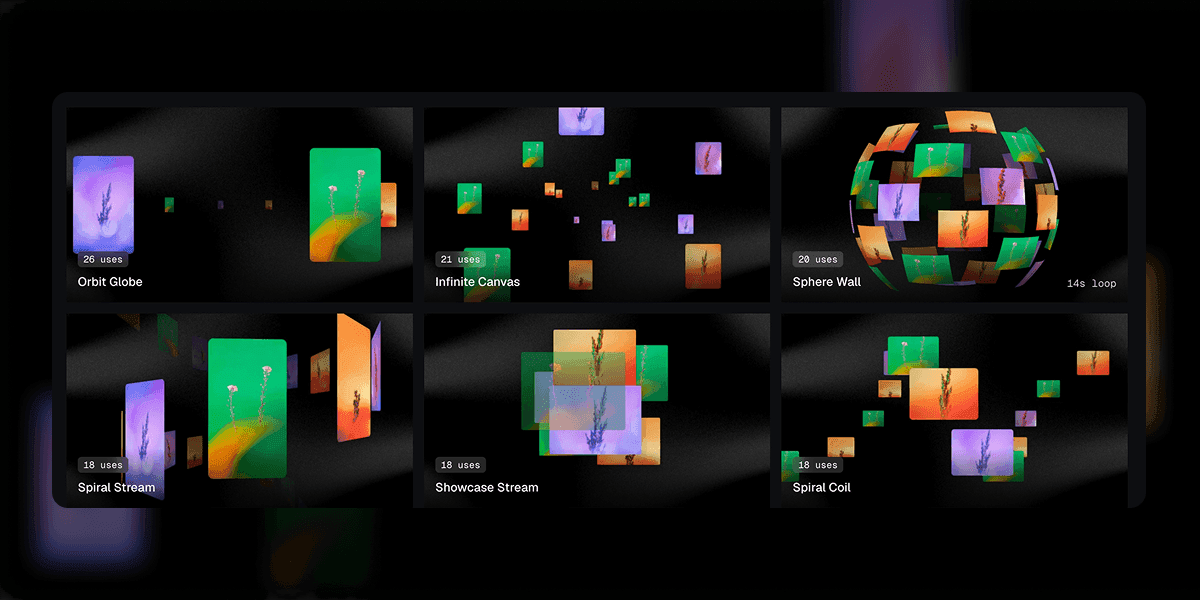
Pick a template
All 26 of them preview live in the gallery, so you choose by watching rather than by reading a name.
- Drop files
02
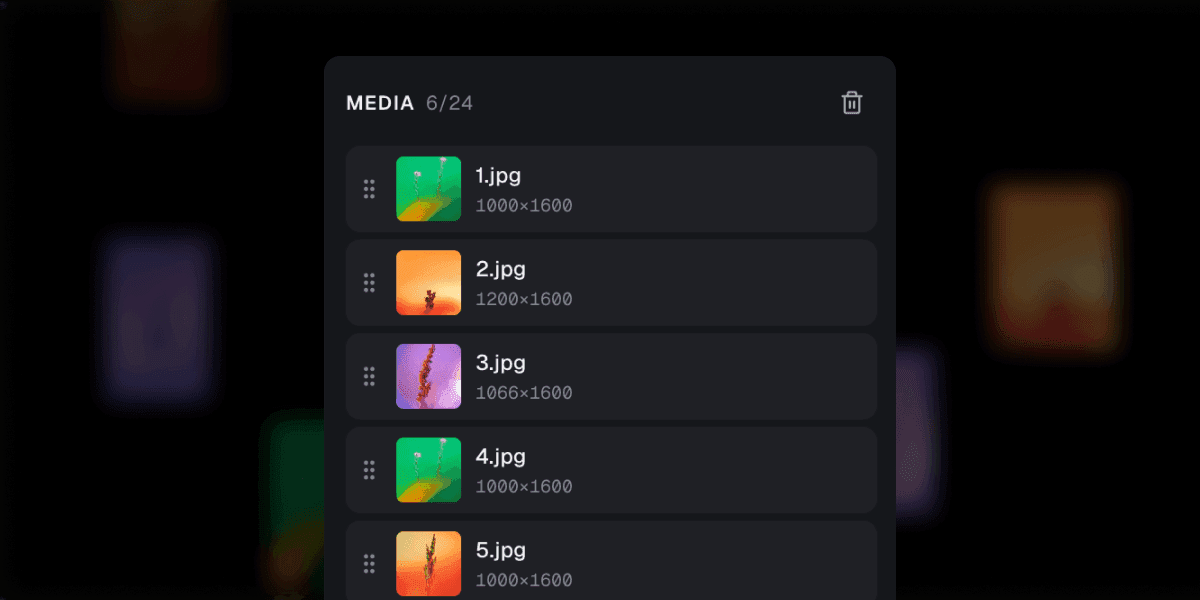
Drop in your work
Images or video, up to sixteen slots. Files are read straight into the GPU from your disk and never leave the tab.
- 3840 × 2160428 / 720
03
Export the loop
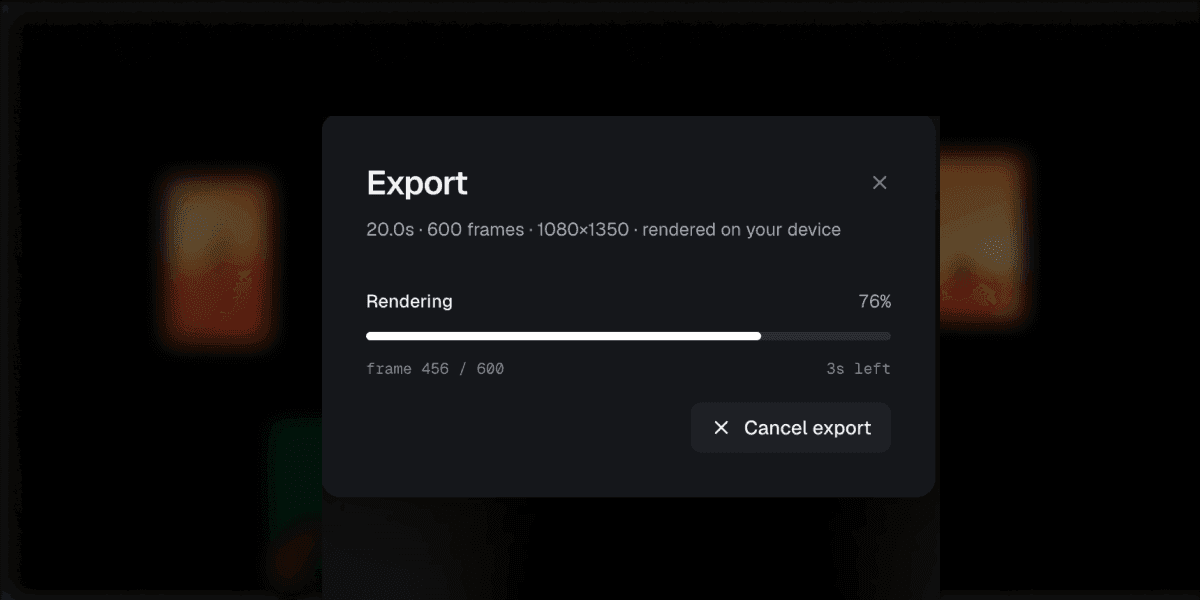
Frame i is rendered at time i divided by the frame count, so the file is the preview, exactly, at whatever size you asked for.
What you get
Built for the export, not the demo
- Seamless by construction
- Every template is a pure function of loop time, so the last frame meets the first exactly. No crossfade covering a seam, no hidden cut.
- Frame-exact export
- The encoder renders frame i at t = i / N rather than reading the clock, so a 4K file that takes three minutes to write matches the preview you scrubbed.
- Up to 8K
- 7680 by 4320 in VP9. H.264 goes as far as your hardware encoder allows, and the export dialog probes for that before it offers a resolution.
- Transparent WebM
- Keep the alpha channel and drop the loop over a section of your site, or over another edit, with no background to key out.
- Bezier easing editor
- Drag the curve until the motion lands where you want it. Ten presets are there if you would rather not.
- Per-template memory
- Settings and loop length are stored per template, so wandering off to try another one and coming back does not cost you the tuning.
- Five aspect ratios
- 16:9, 4:3, 1:1, 4:5, and 9:16, framed properly rather than cropped, so a portrait render is composed for portrait.
- Nothing leaves the tab
- Your files are decoded here and stay here, and projects autosave to IndexedDB on your own machine. Signed out, nothing at all is recorded; signed in, we count which template you exported and nothing about the files themselves.
In use
I had a loop of our dashboard on the launch page in about four minutes. The second one took thirty seconds, because everything I had tuned was still where I left it.
The file matches the preview frame for frame. That sounds like the least you could ask for until you have spent an afternoon with a screen recorder that drops every fourth one.
Nine app screens on a spiral, exported at 4K, done before standup finished. I have no video editor installed and now I do not need one.
Who it is for
Anyone with a screenshot and a deadline
- 01
- Product teams
- A launch page that needs a hero loop by Thursday.
- 02
- Indie developers
- A Show HN post, a screenshot, and no video editor.
- 03
- Designers
- Case studies where the work should move the way it does in use.
- 04
- Agencies
- Concept decks that hold up on a client laptop, offline, in a meeting room.
- 05
- Marketers
- Paid slots in five aspect ratios from one project.
- 06
- Anyone posting
- X, LinkedIn, Dribbble, and the rest of the feed.
Questions
The ones people ask
Your next screenshot deserves to move
26 templates, no sign-up, and the first export takes about as long as reading this page did.