124 templates
Stills in.Loops out.
No watermark. A free account to export.
- Export
- MP4 and WebM
- Ceiling
- 7680 × 43208K
- Frame rate
- 24 / 30 / 60
- Your files
- Stay on this device
- Frame
- 64
- Text
- 44
- Mockup
- 16
How it works
Three steps, about four minutes
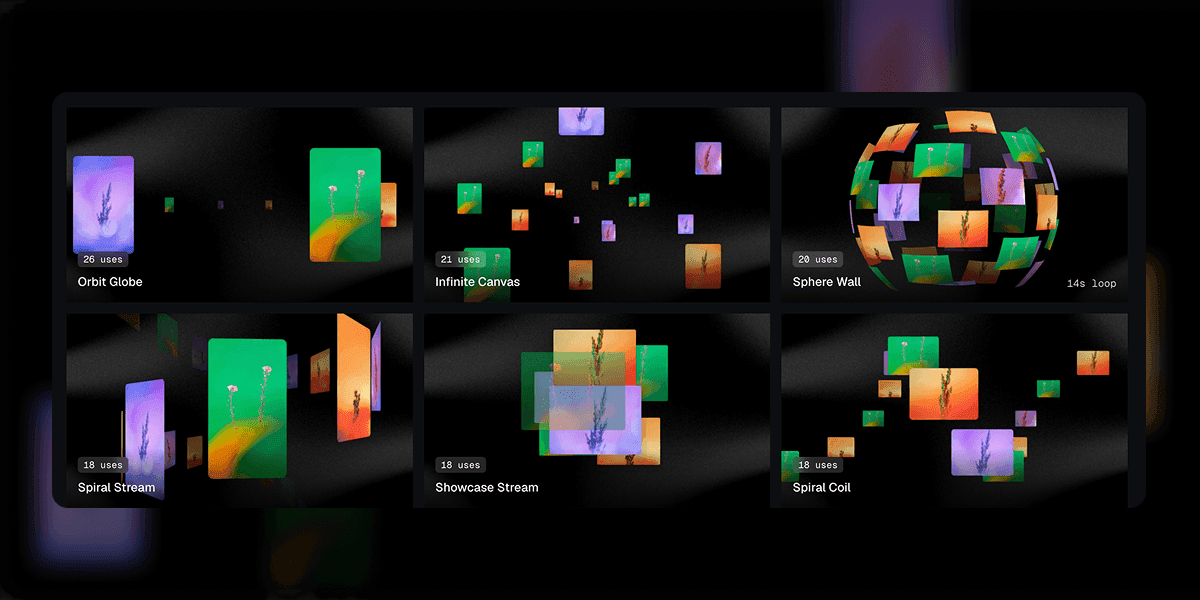
Pick a template
All 124 of them preview live in the gallery, so you choose by watching rather than by reading a name.
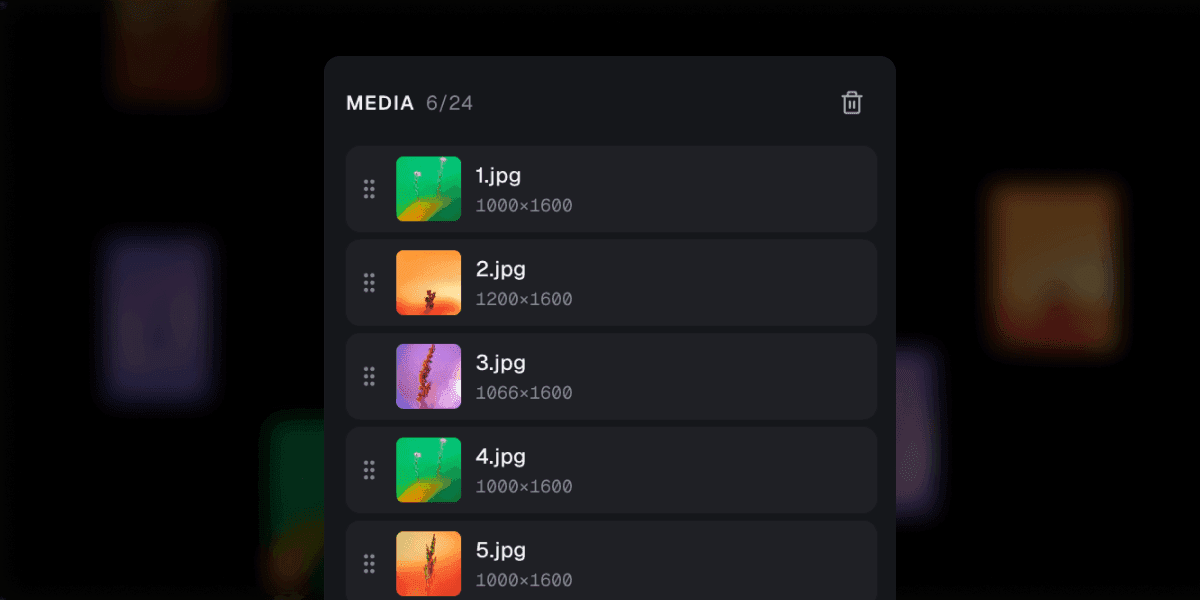
Drop in your work
Up to 24 images or clips, dragged in from wherever they sit. Nothing is uploaded — your files never leave this computer.
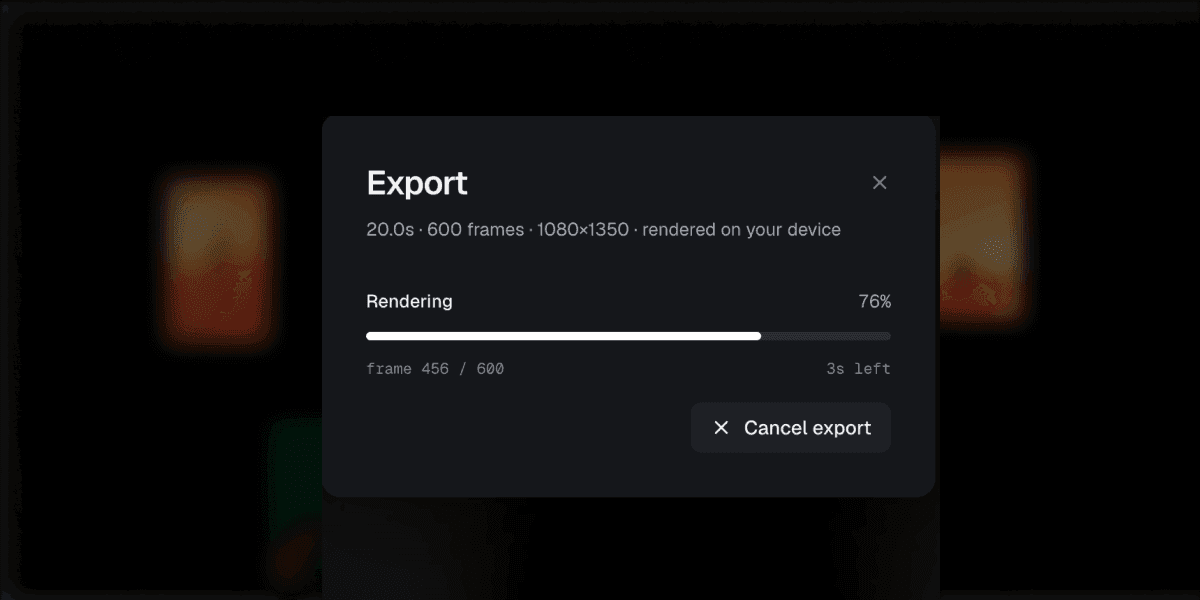
Export the loop
The file is the preview, frame for frame — yours at the size, frame rate and length you choose.
In use
I had a loop of our dashboard on the launch page in about four minutes. The second one took thirty seconds, because everything I had tuned was still where I left it.
The file matches the preview frame for frame. That sounds like the least you could ask for until you have spent an afternoon with a screen recorder that drops every fourth one.
Nine app screens on a spiral, exported at 4K, done before standup finished. I have no video editor installed and now I do not need one.
Questions
The ones people ask
Put your stills in motion.
A free account when you export, and your first loop takes about as long as reading this page did.